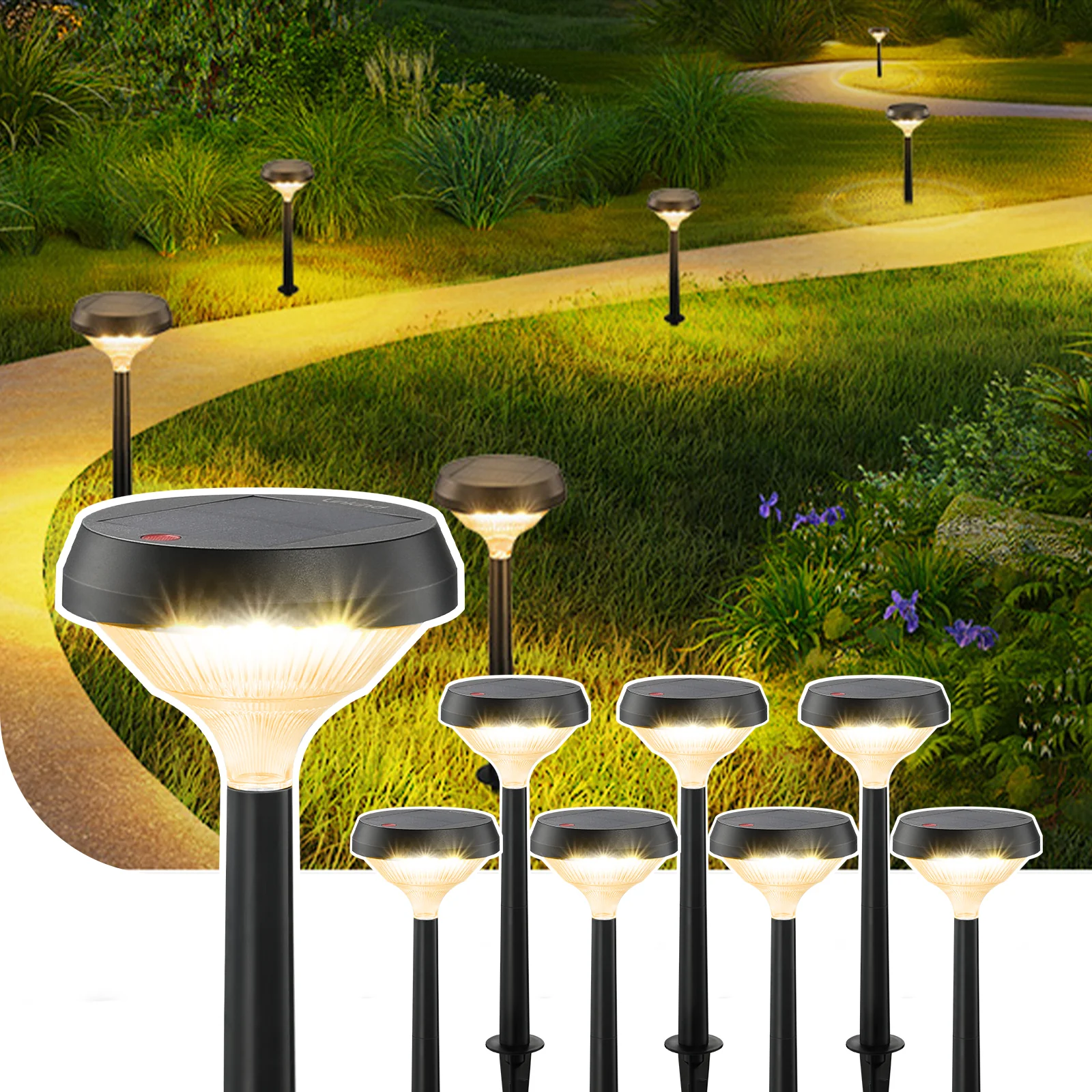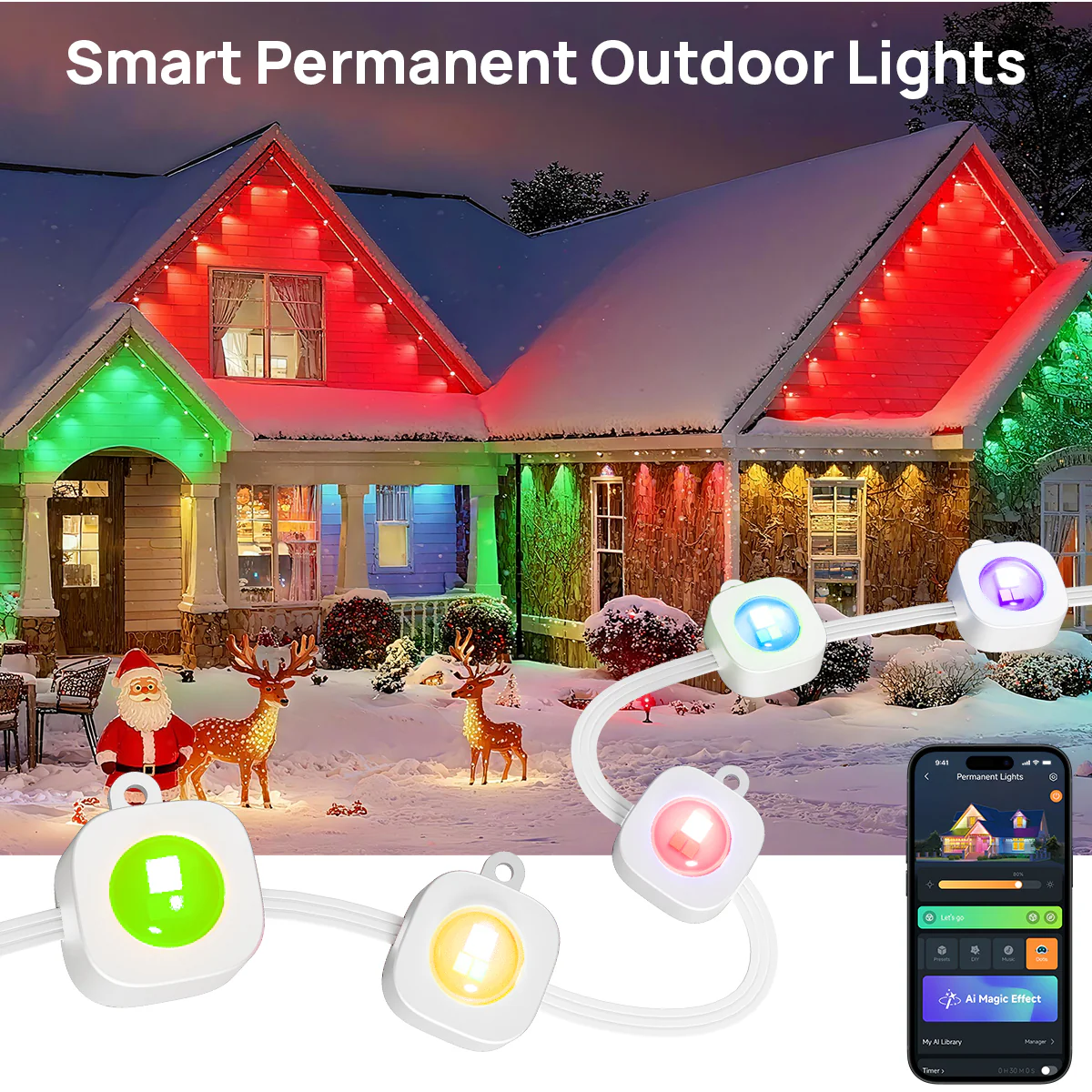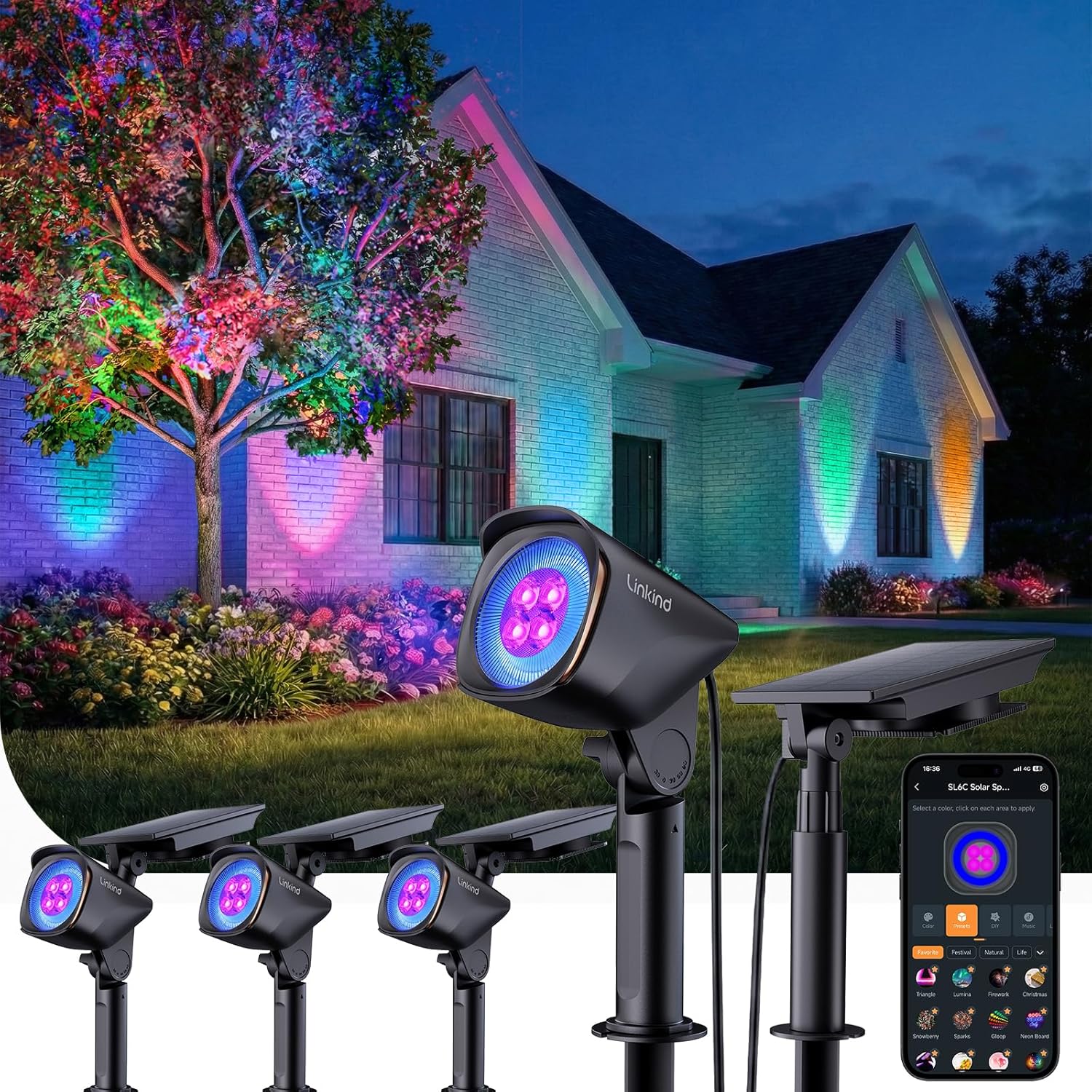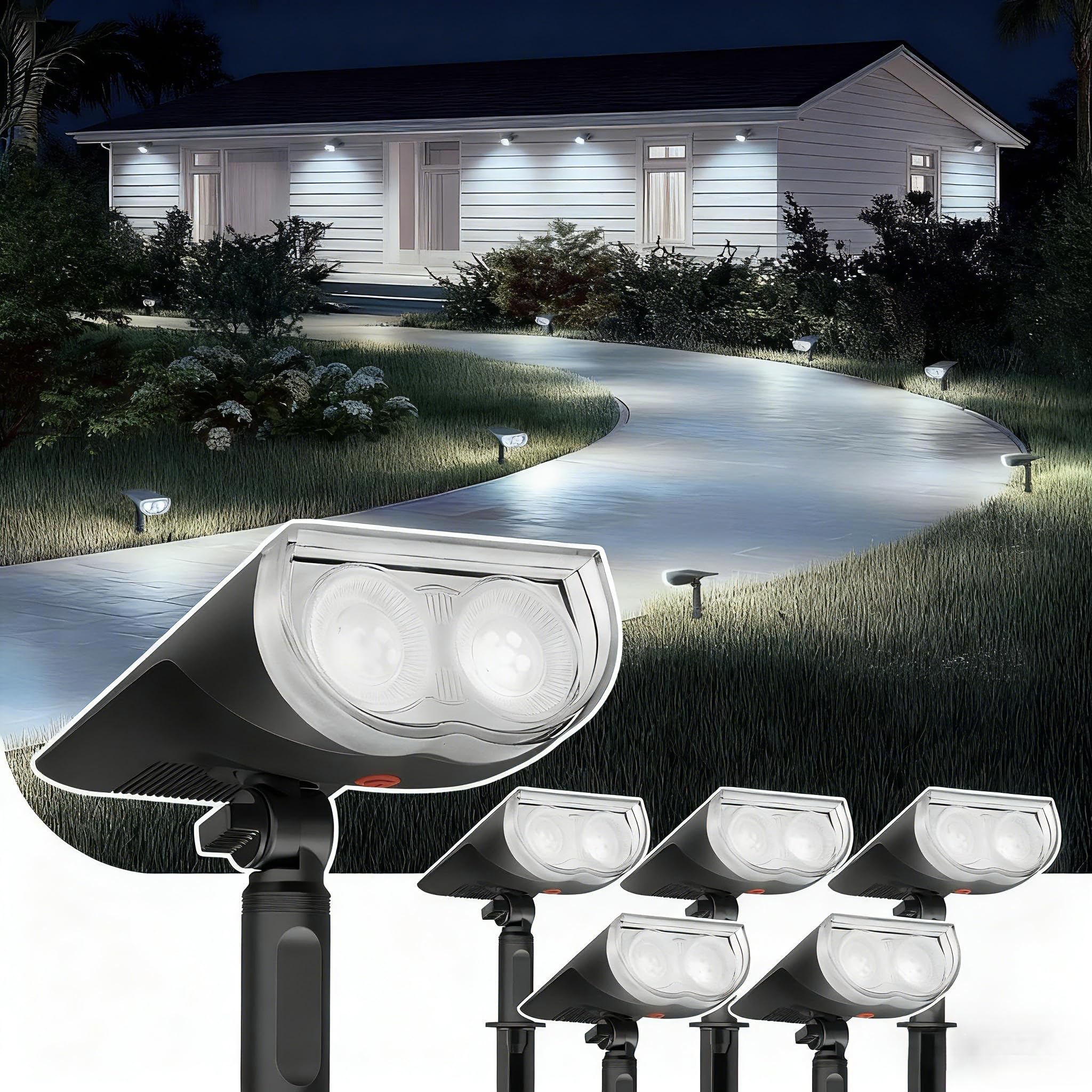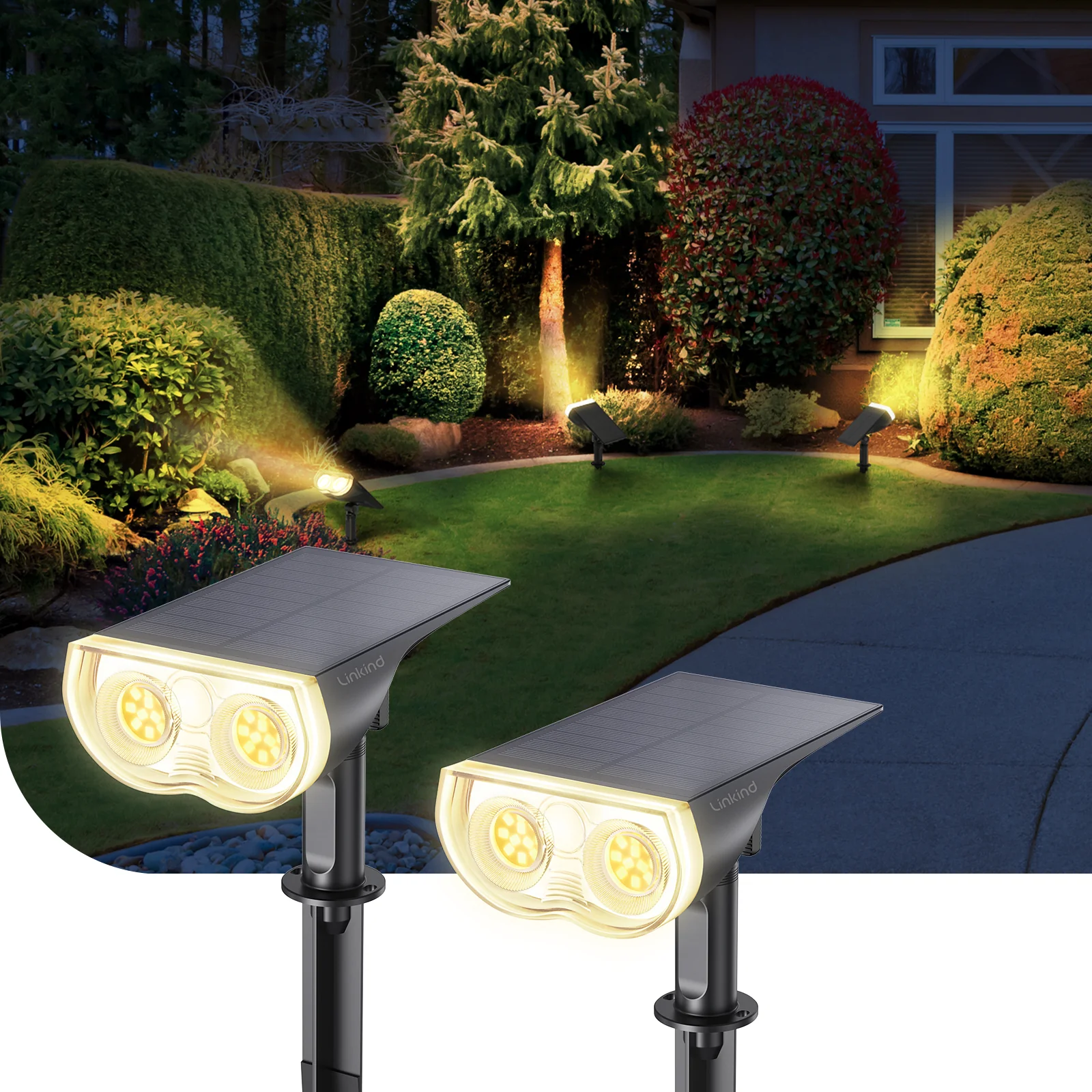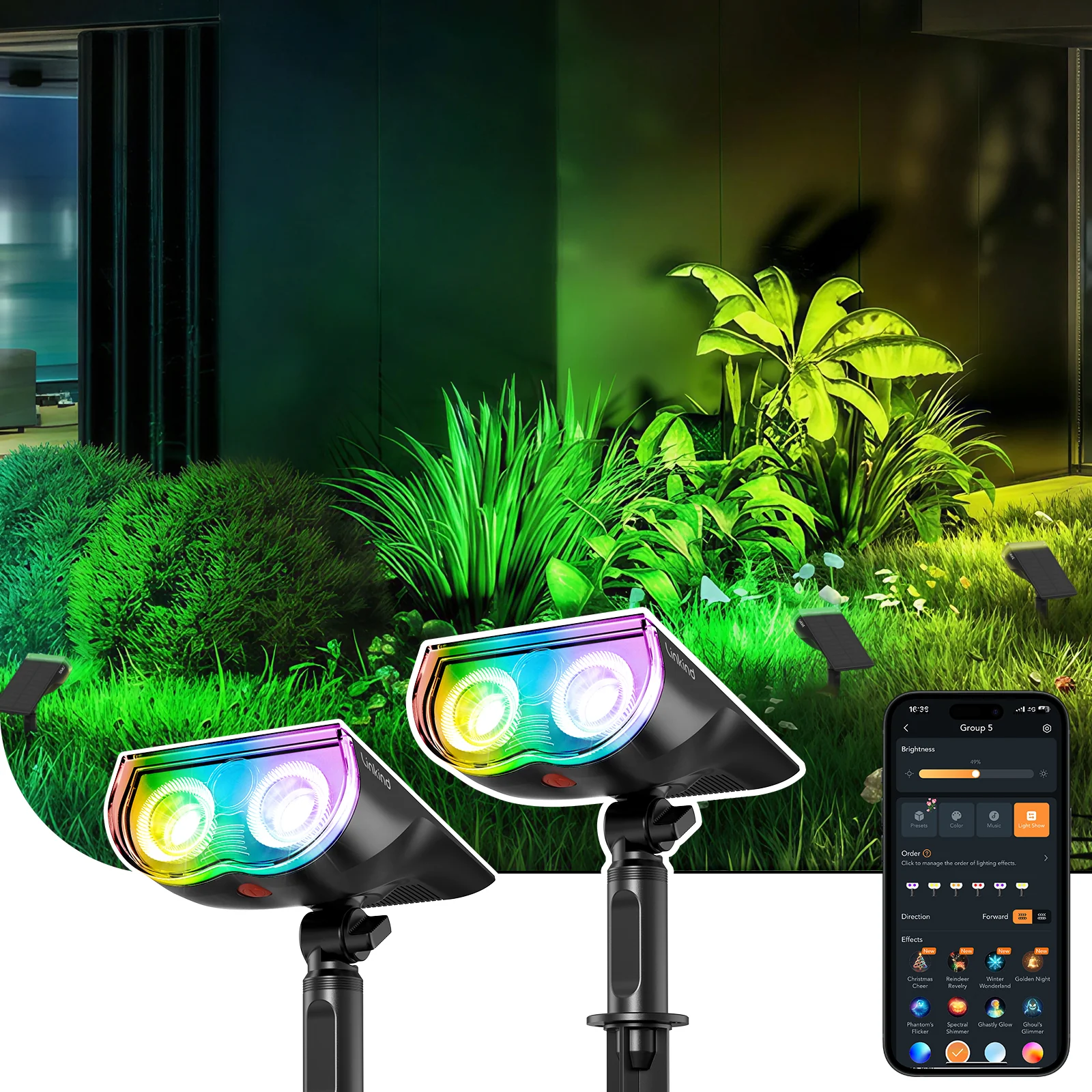
Linkind SL5C Smart Outdoor Solar Spotlight (150lm, App&Voice Control, 16 Million Color, IP67 Waterproof)
Linkind SL5C Smart Outdoor Solar Spotlight (150lm, App&Voice Control, 16 Million Color, IP67 Waterproof)
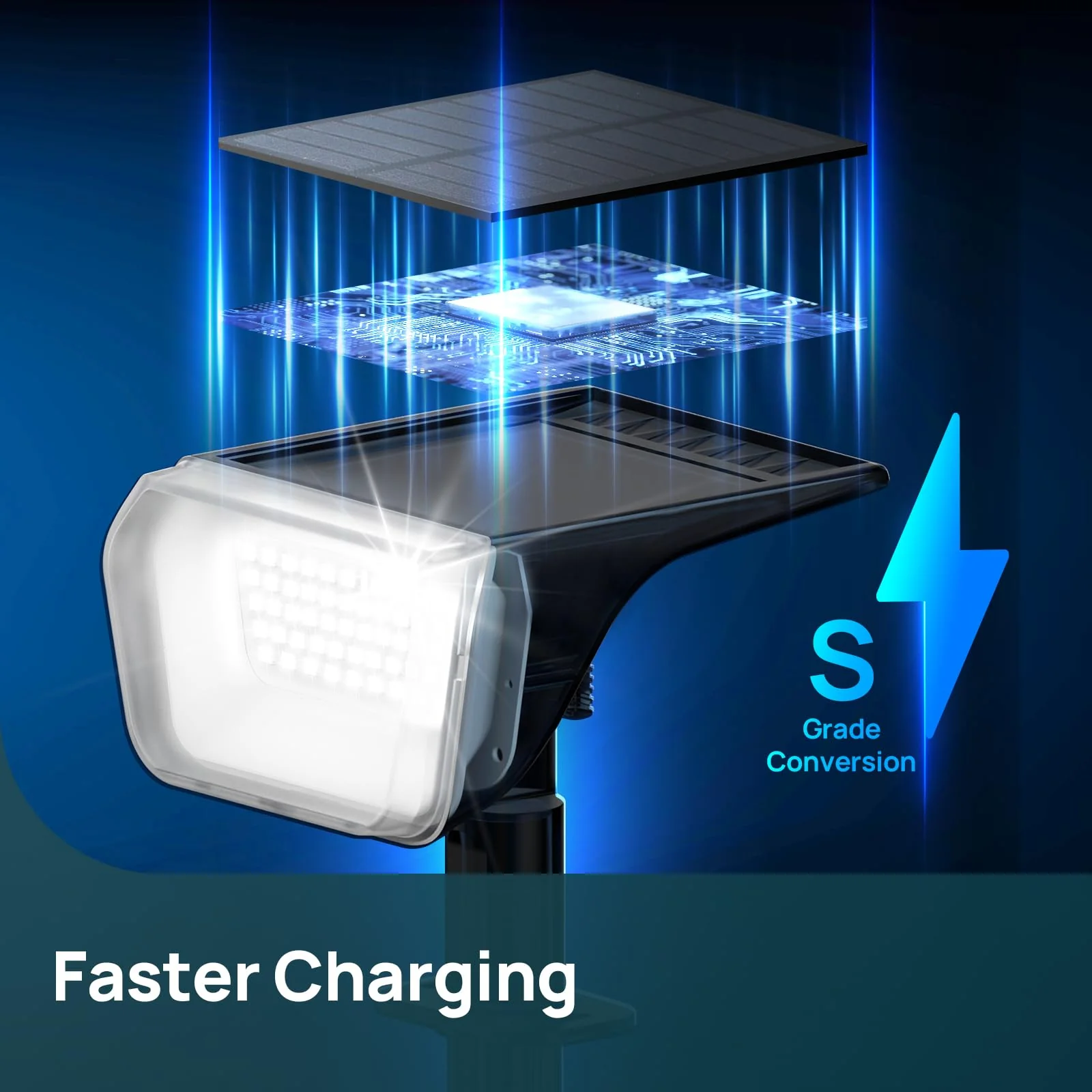
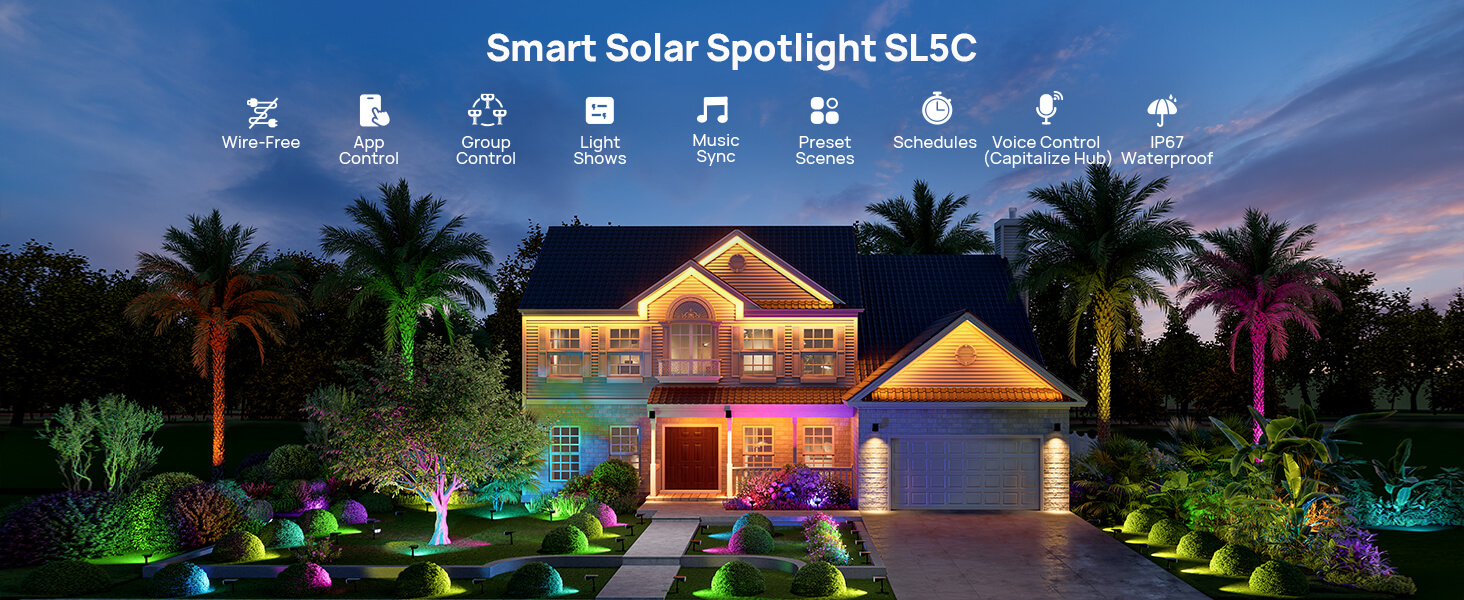
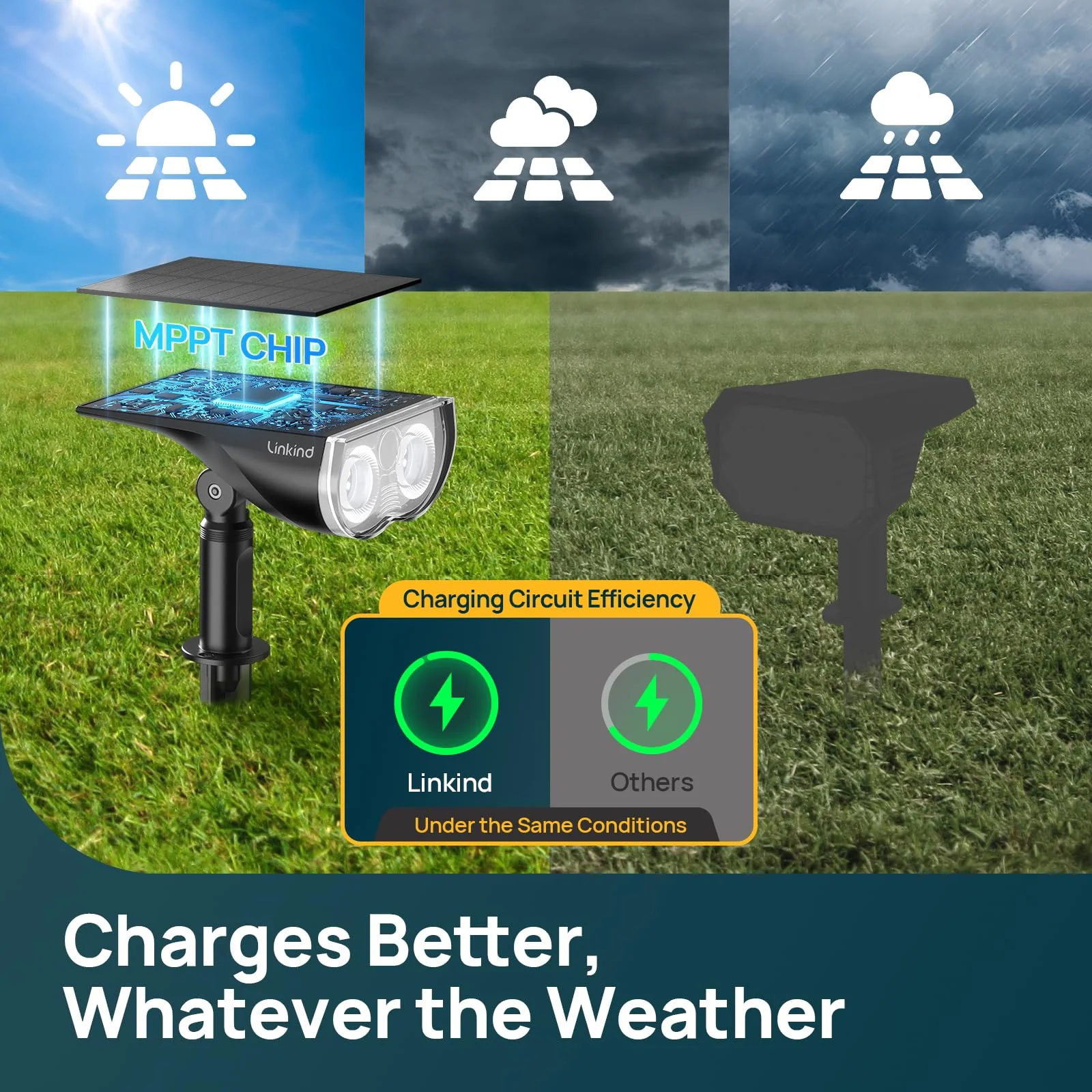
The World's First MPPT Solar Smart Light
Note: Please use the latest firmware, version 2.5.0, to extend the high-brightness duration, improve battery life, and resolve connectivity issues. The steps are: Device Settings > Firmware Version > Upgrade Now. Once upgraded, select "Start".
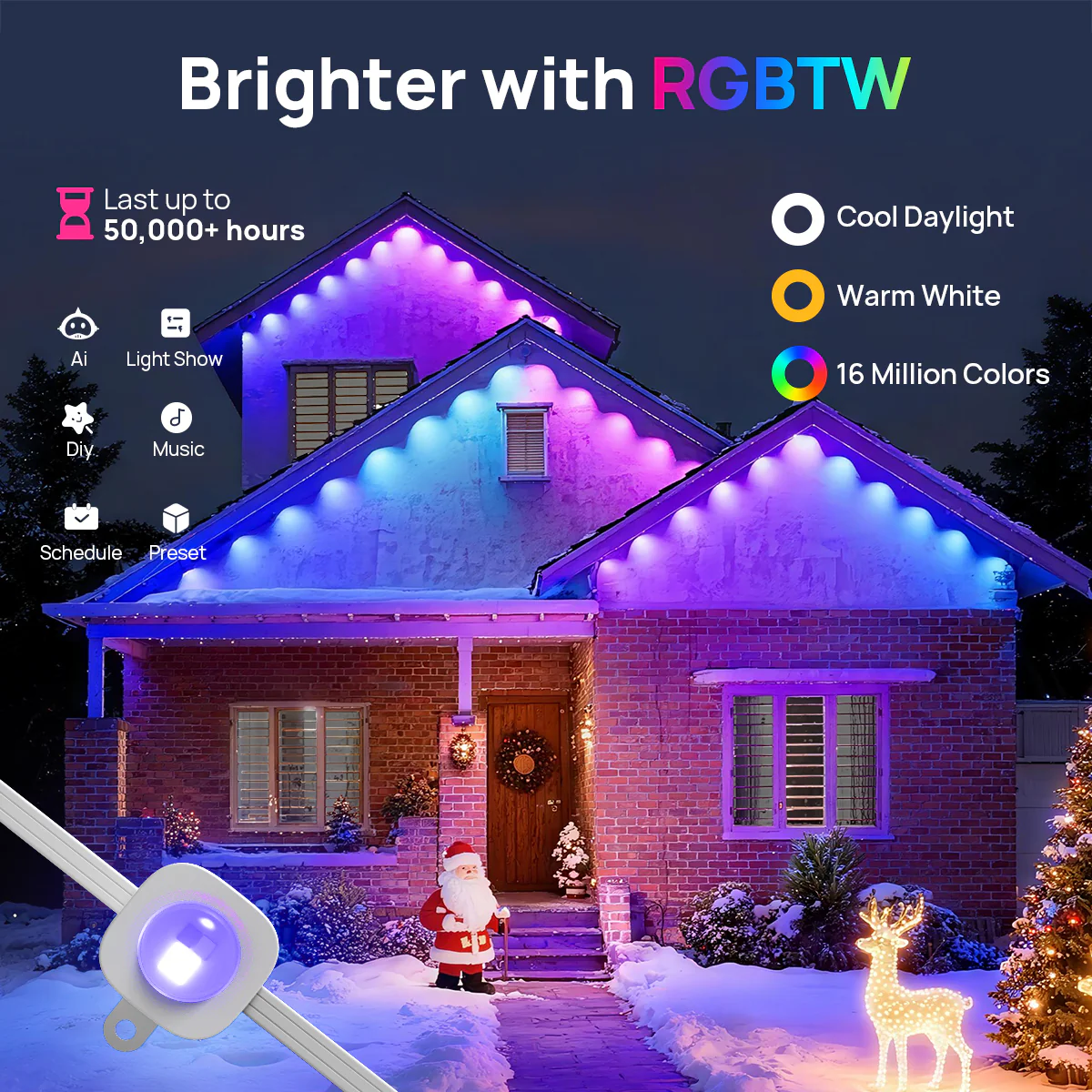
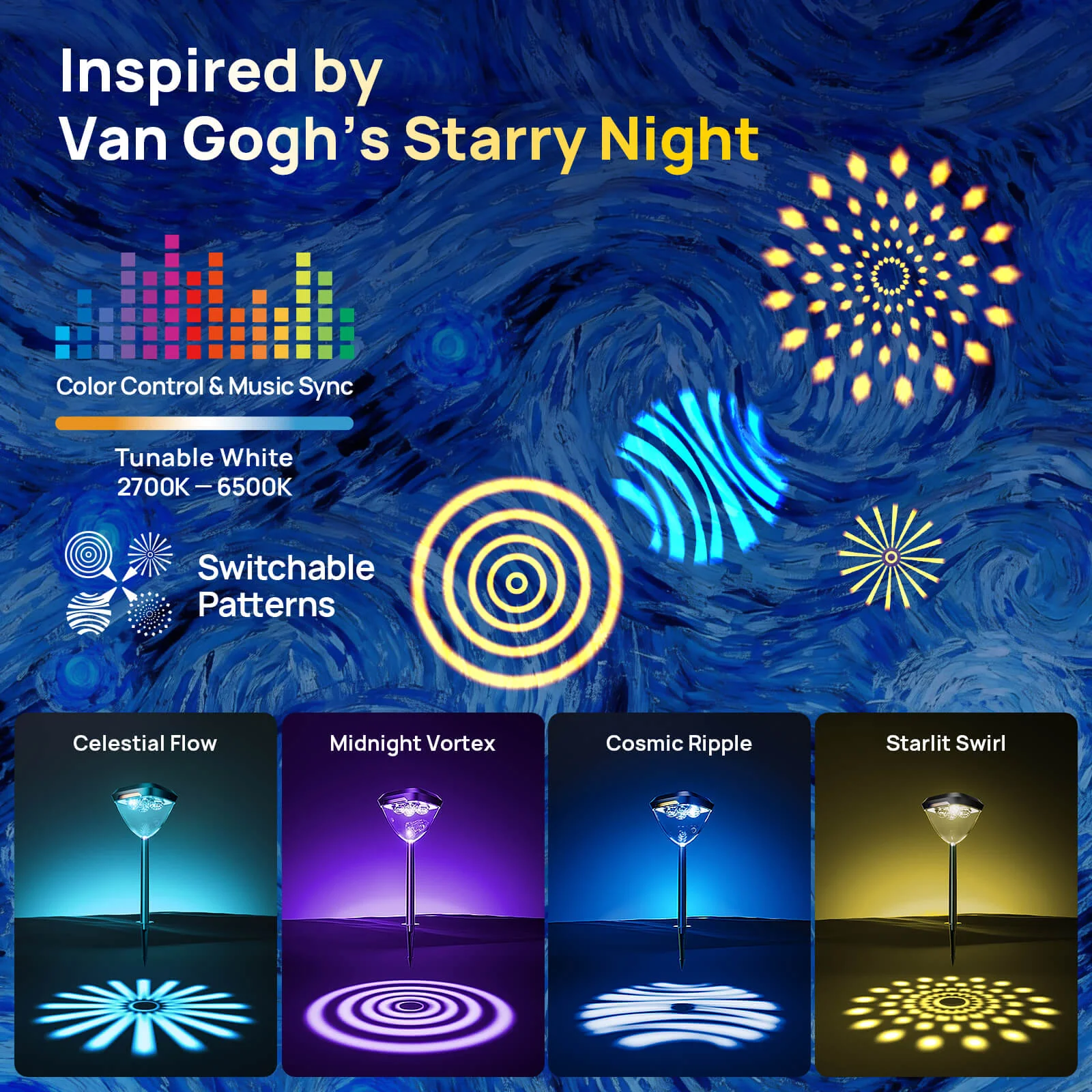
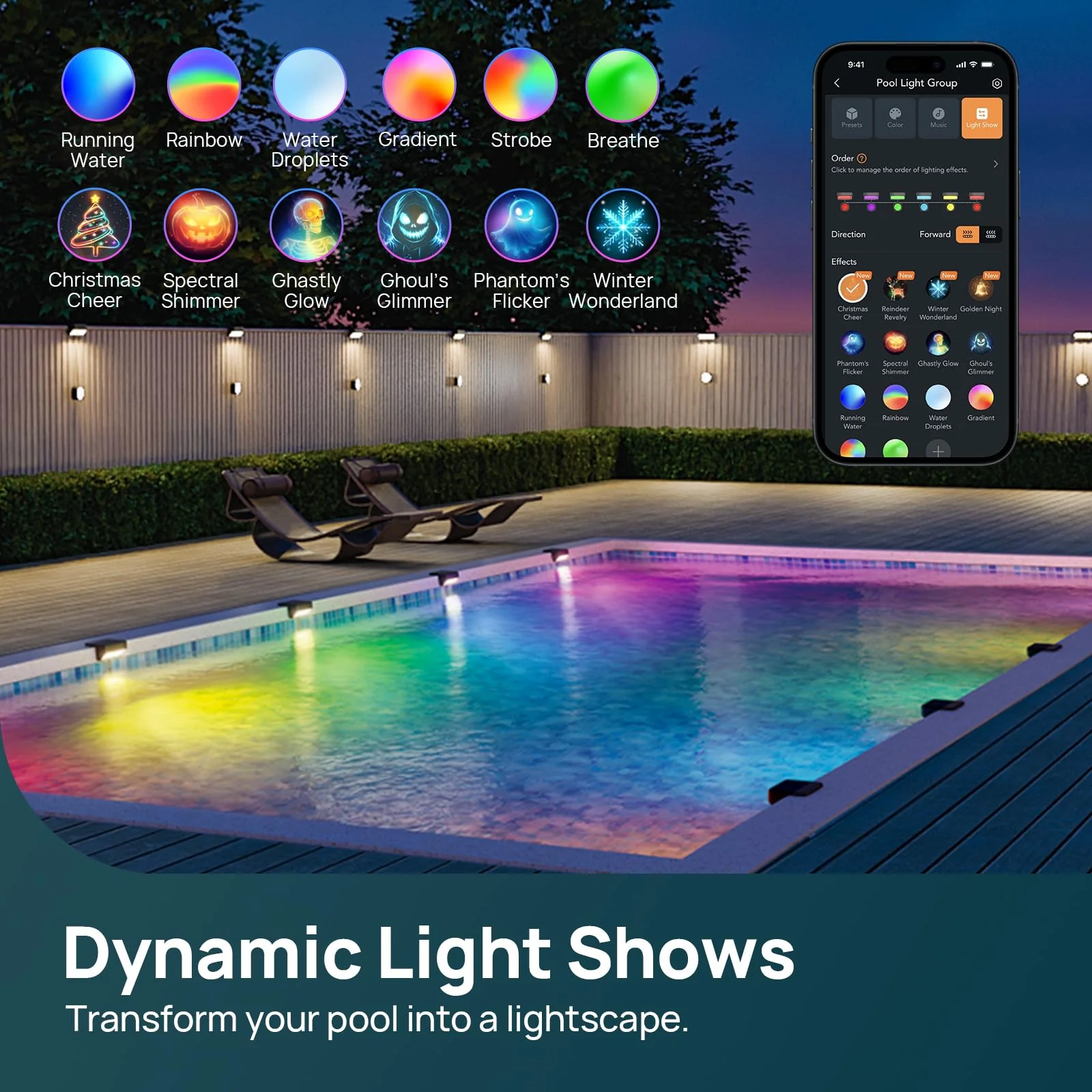
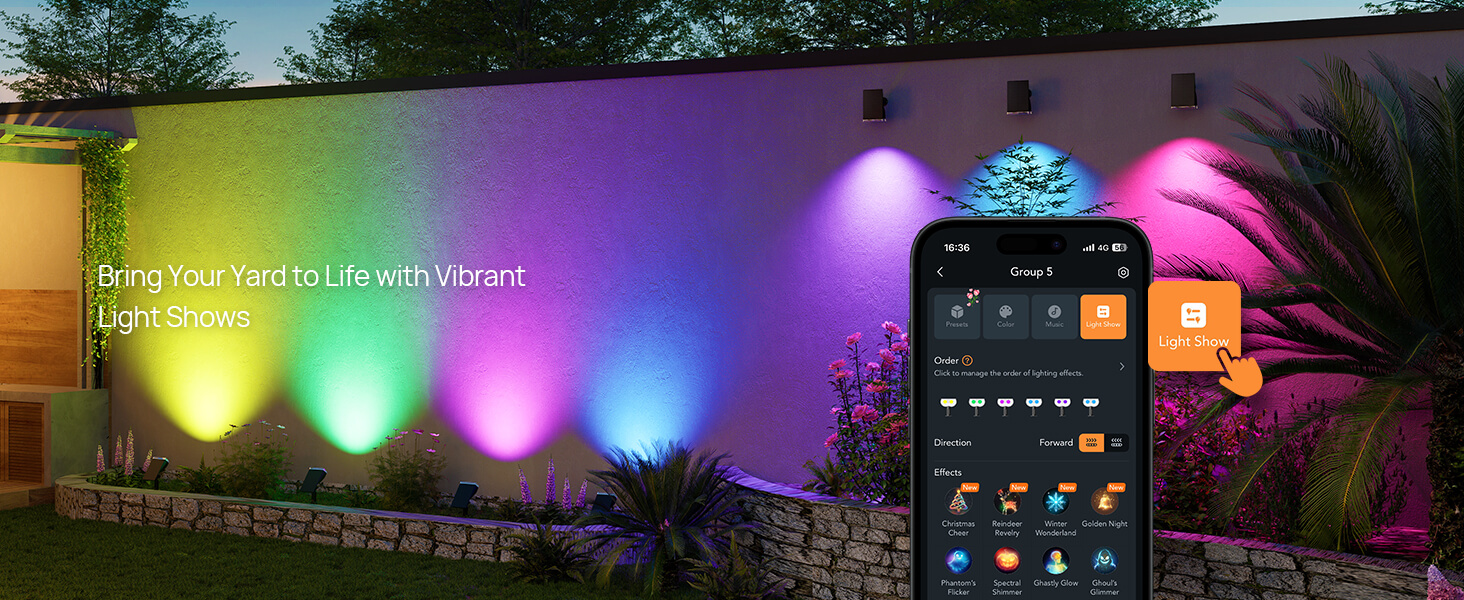
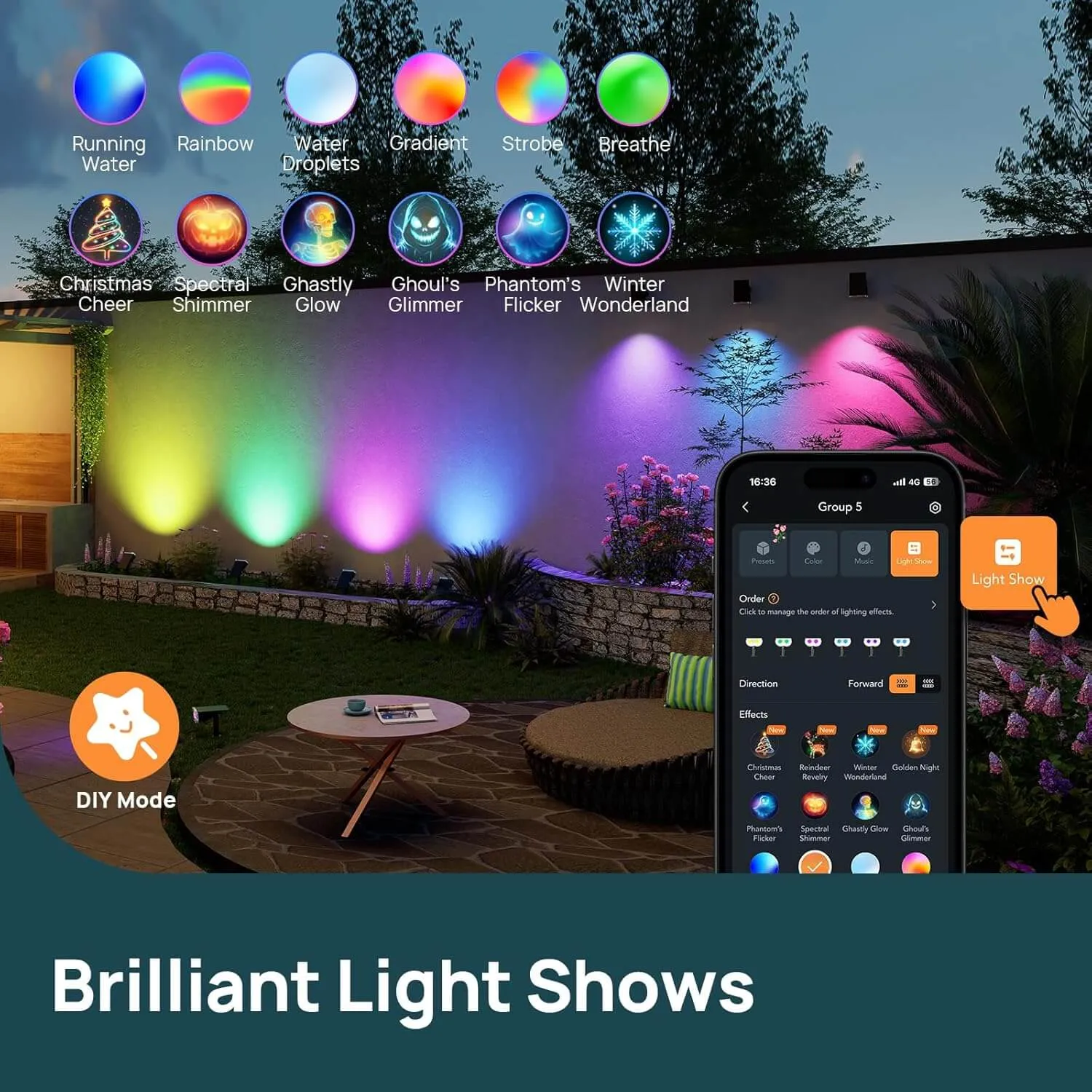
Light Shows
Sync with Music

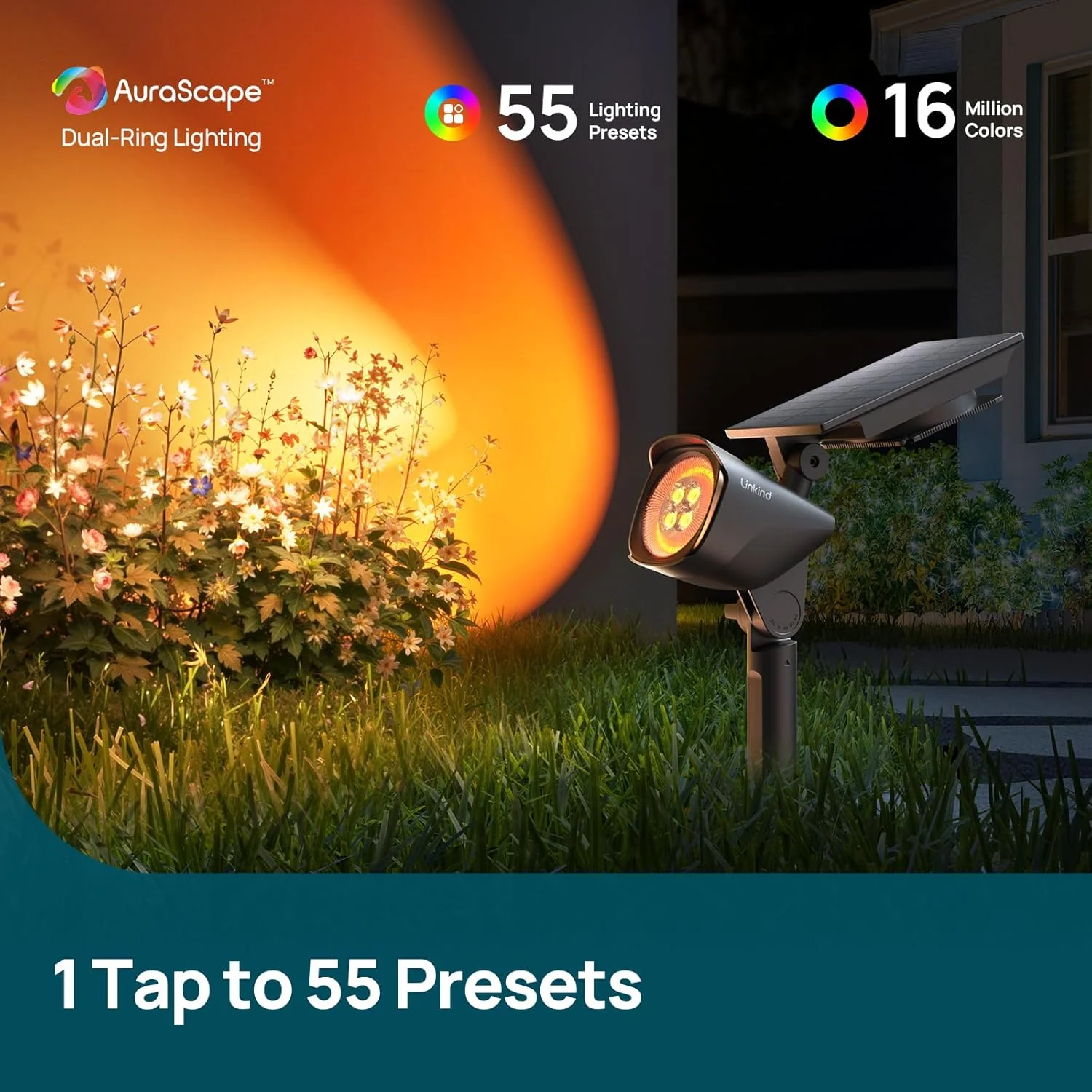
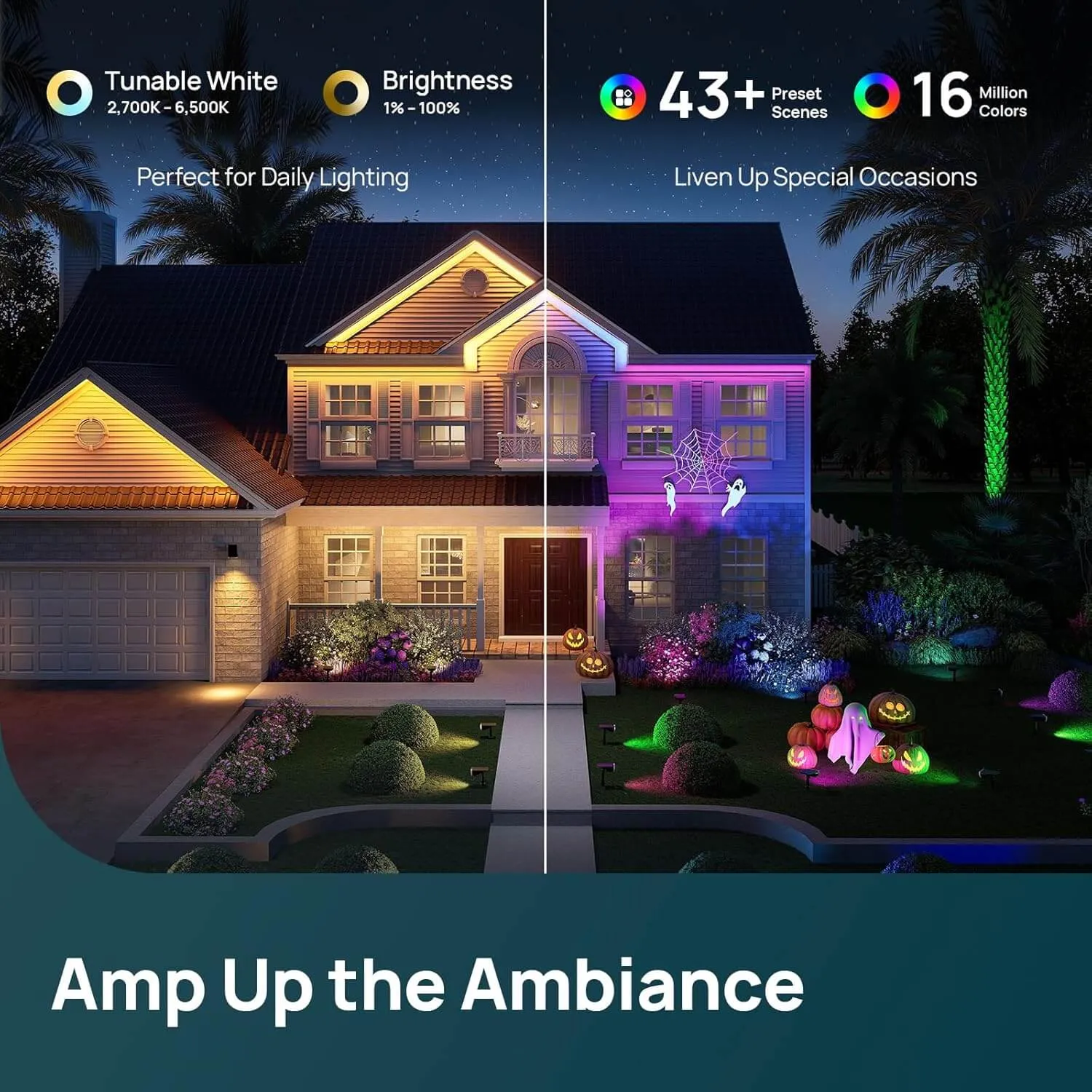
Preset Scenes

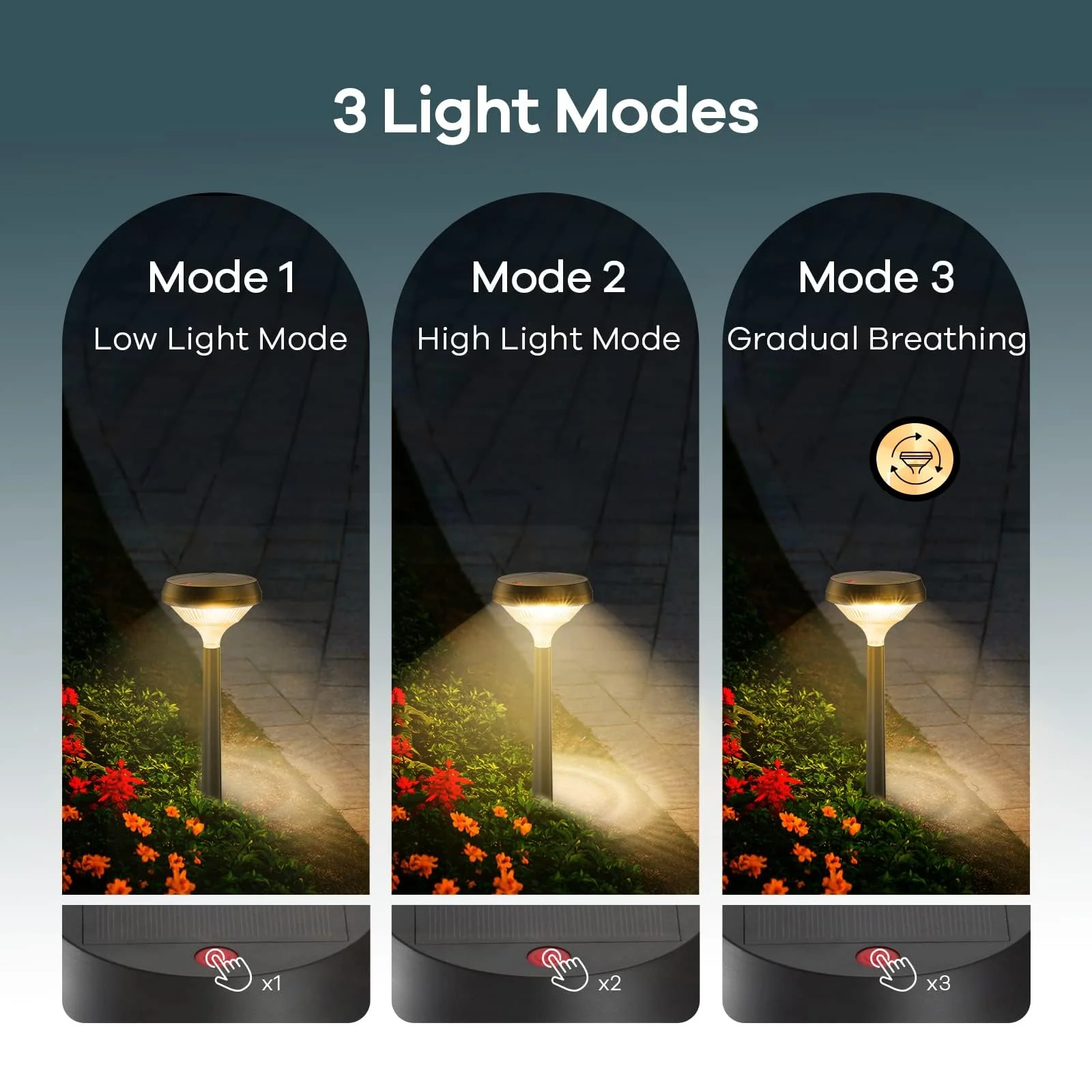
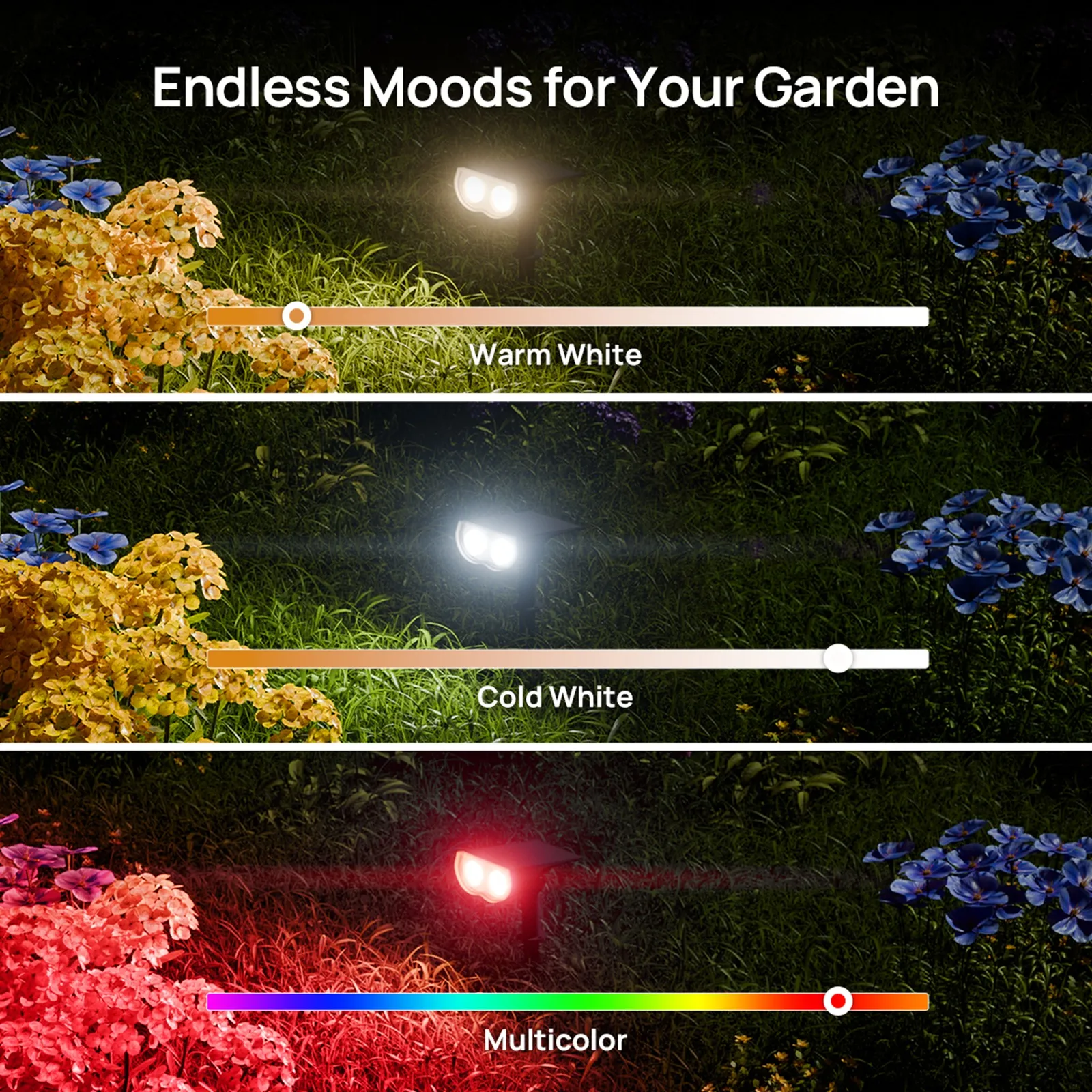
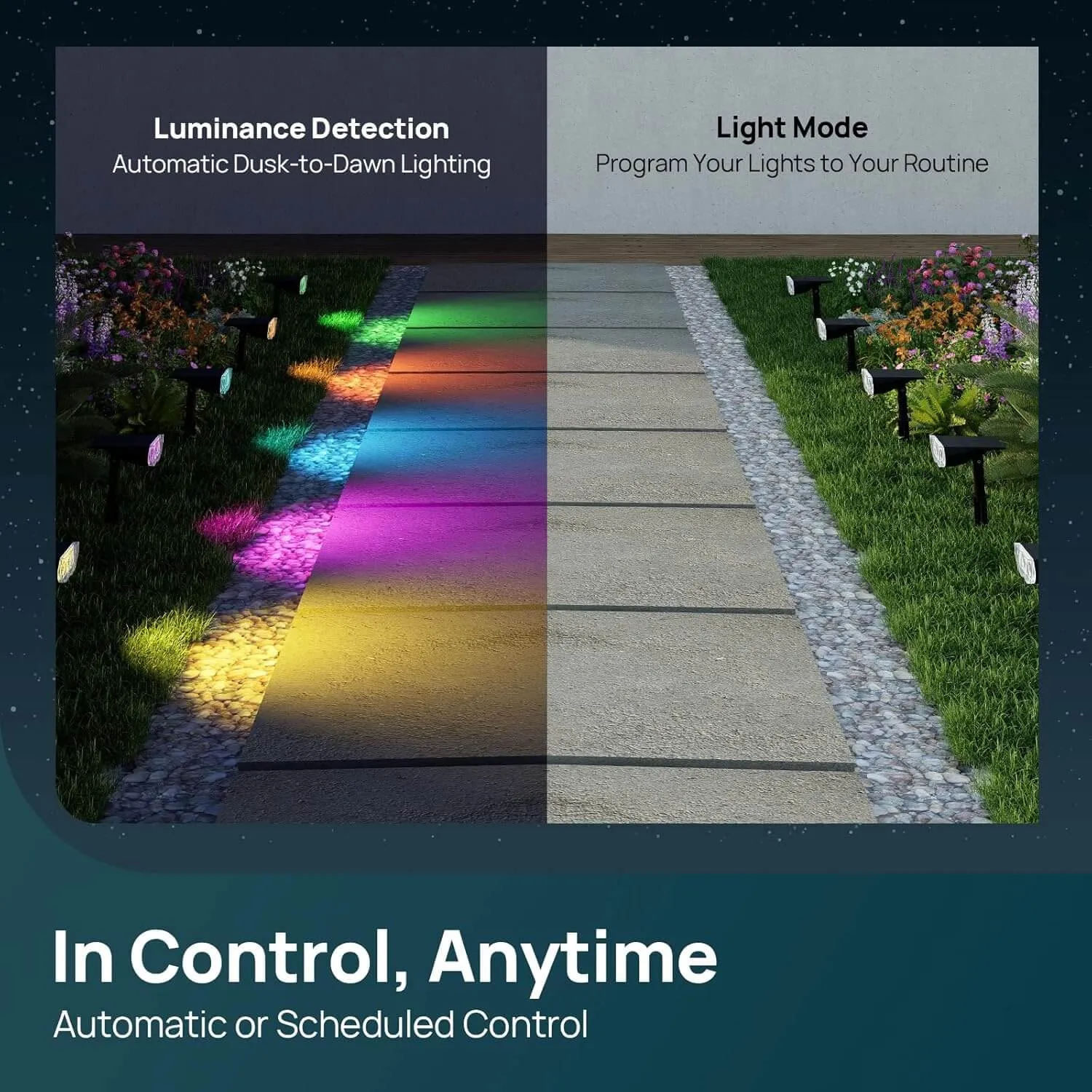
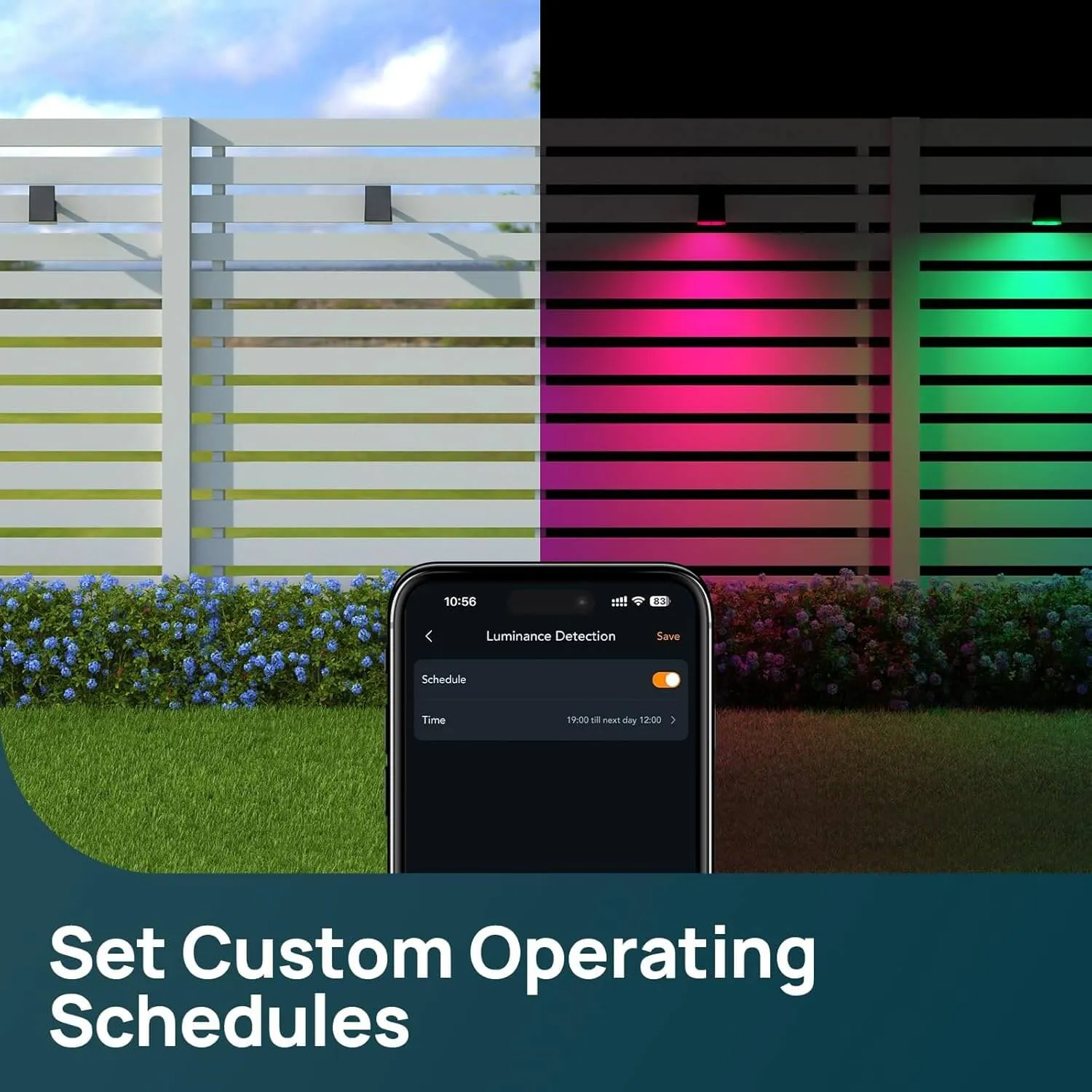
Work Modes

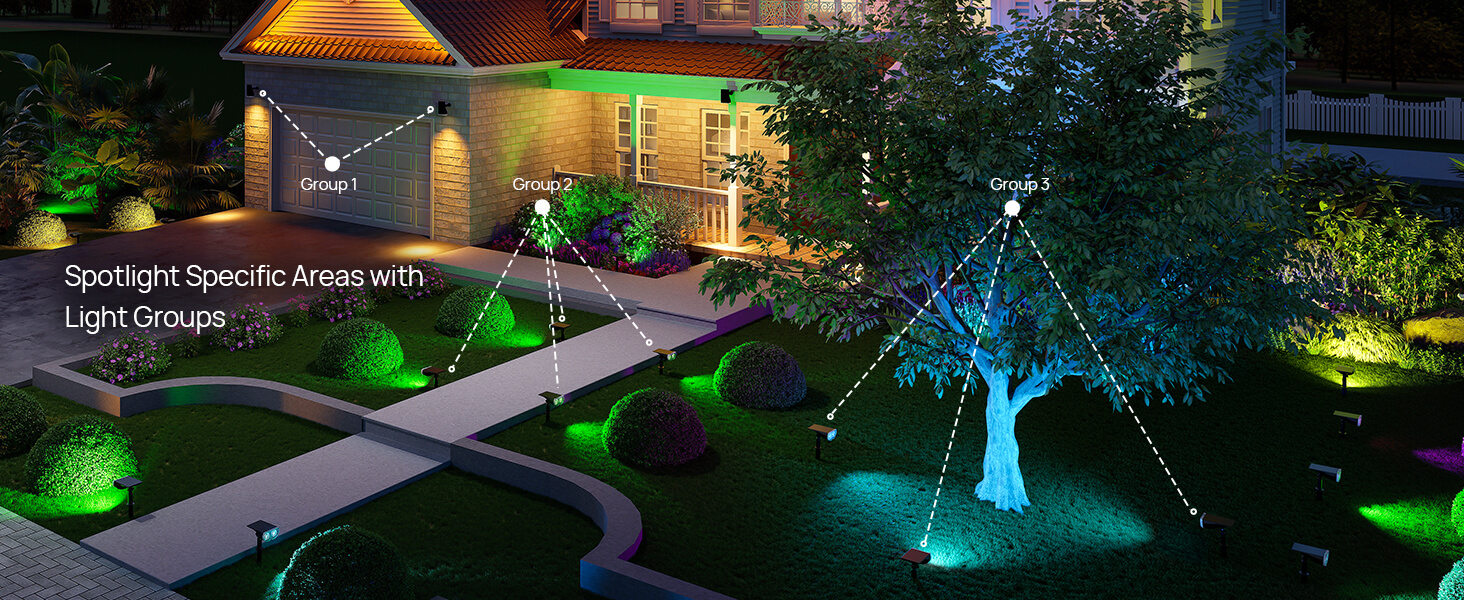
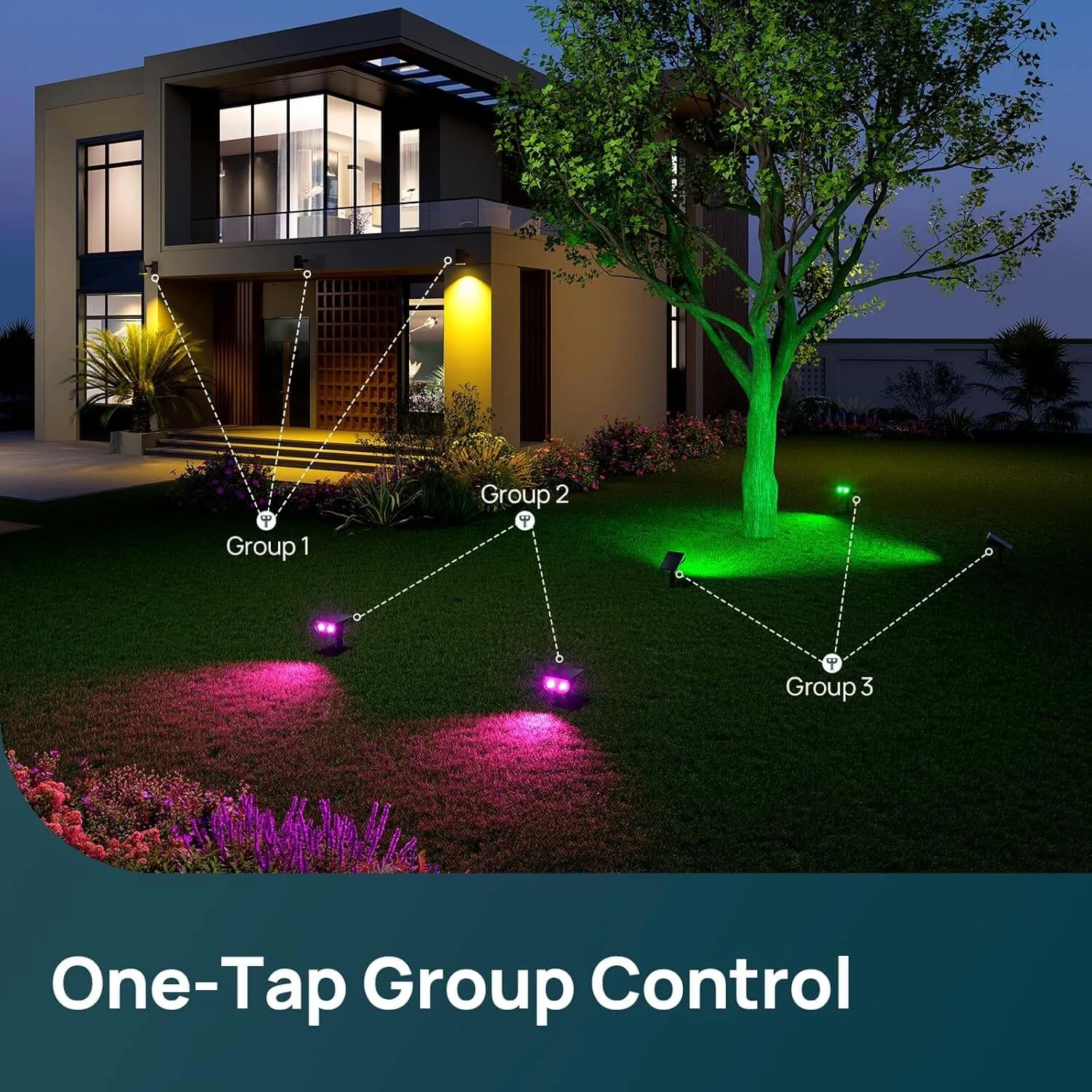
Group Control
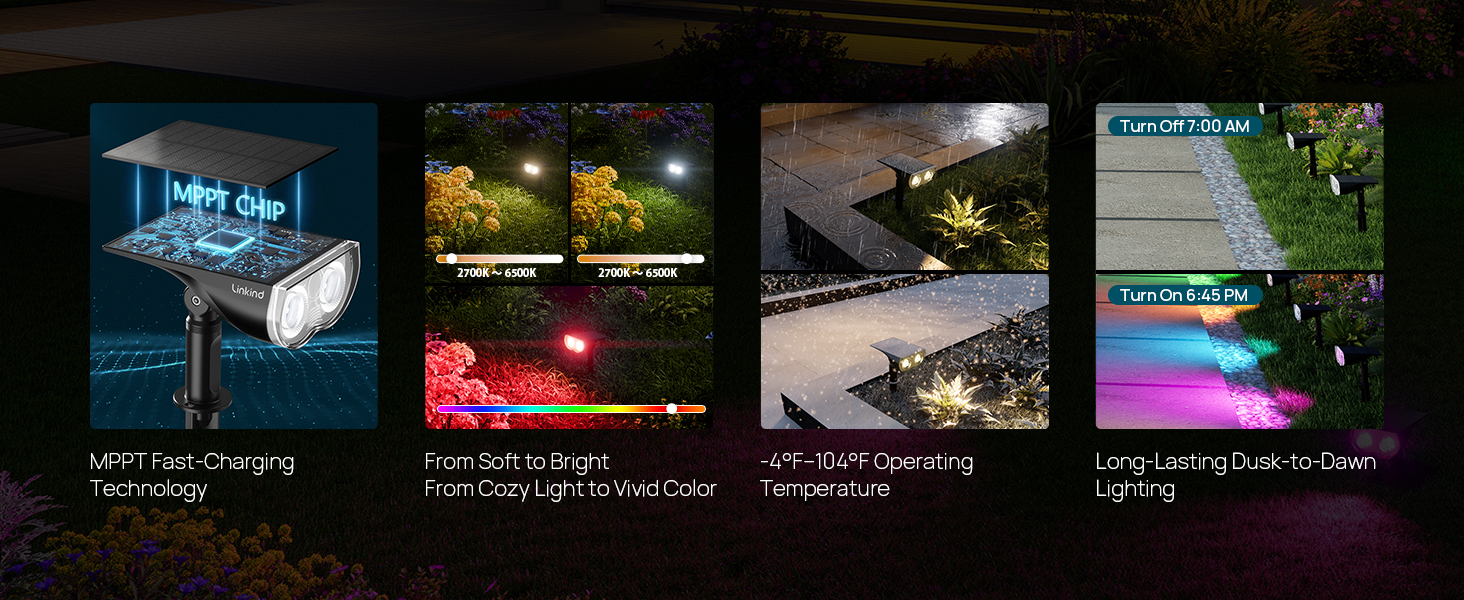
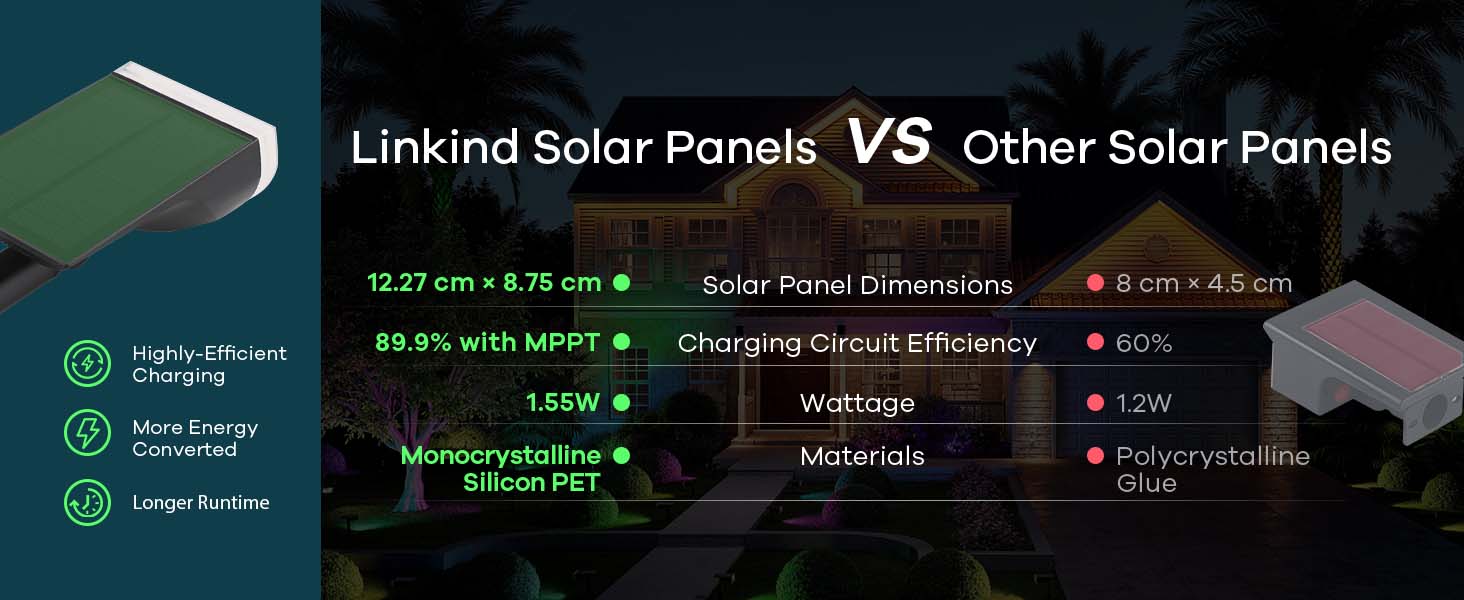
High-Performance of SL5C
Memory Function

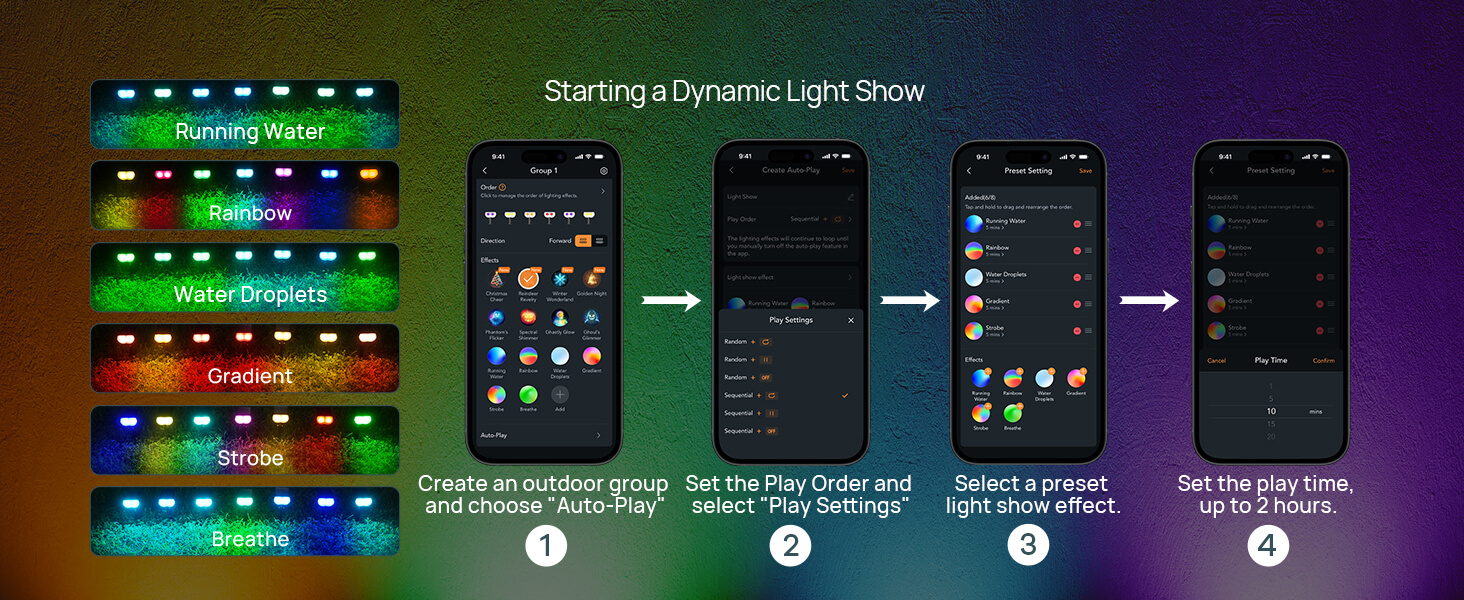
How to Enable Auto-Play for Dynamic Light Show
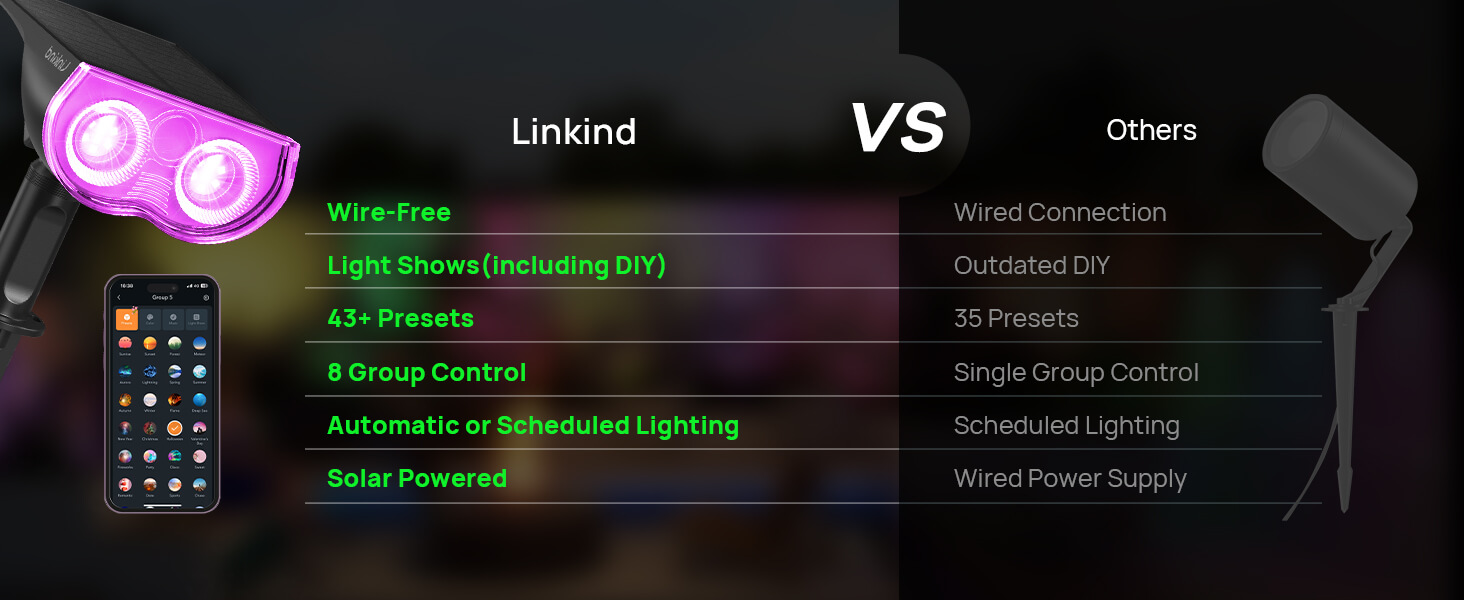
Discover the Unique Advantages of Linkind SL5
How To Install
The World's First MPPT Solar Smart Light
 Note: Please use the latest firmware, version 2.5.0, to extend the high-brightness duration, improve battery life, and resolve connectivity issues. The steps are: Device Settings > Firmware Version > Upgrade Now. Once upgraded, select "Start".
Light Shows

Sync with Music

Preset Scenes

Work Modes

Group Control

High-Performance of SL5C

Memory Function

How to Enable Auto-Play for Dynamic Light Show

Discover the Unique Advantages of Linkind SL5


How To Install
Original: $34.99
-70%$34.99
$10.50More Images


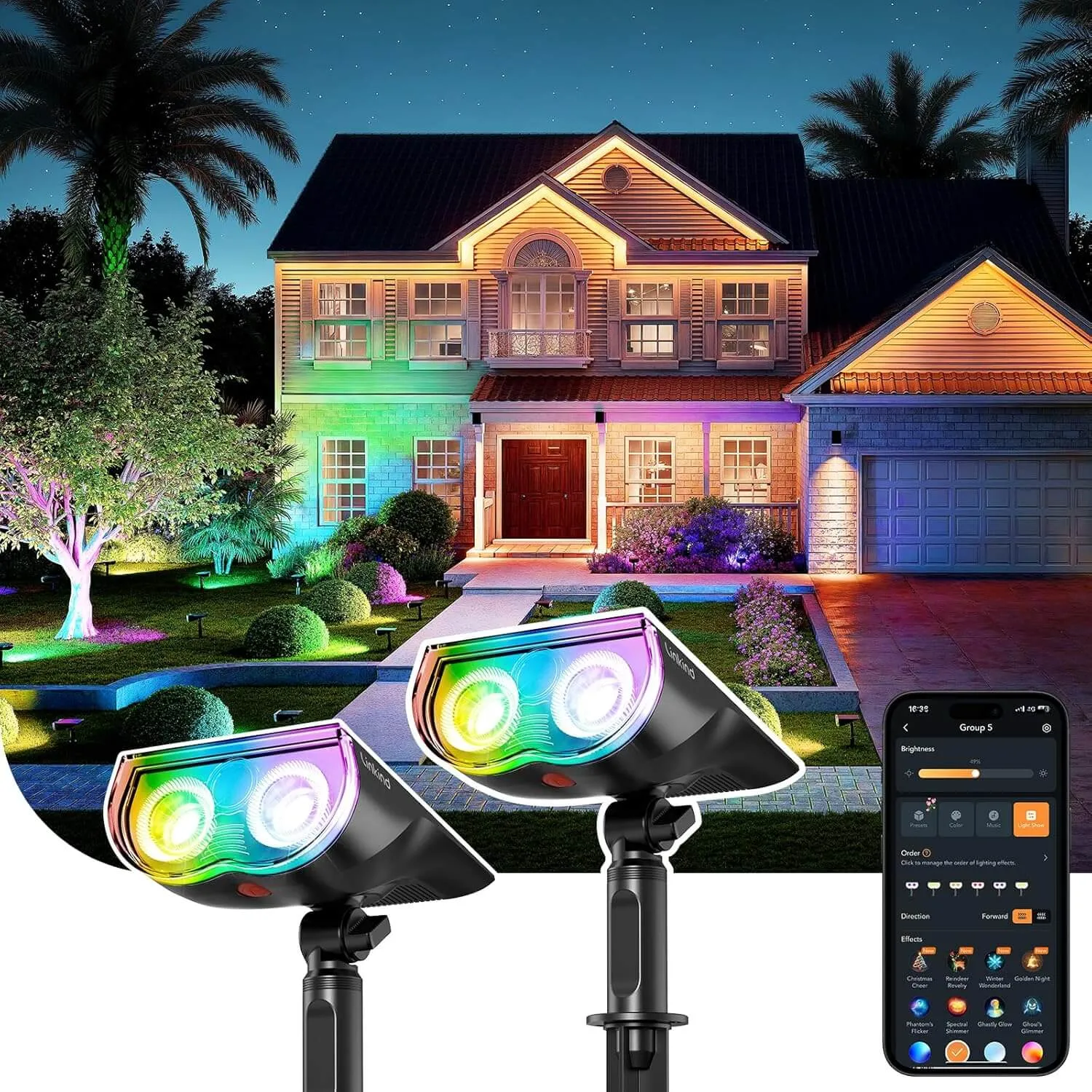
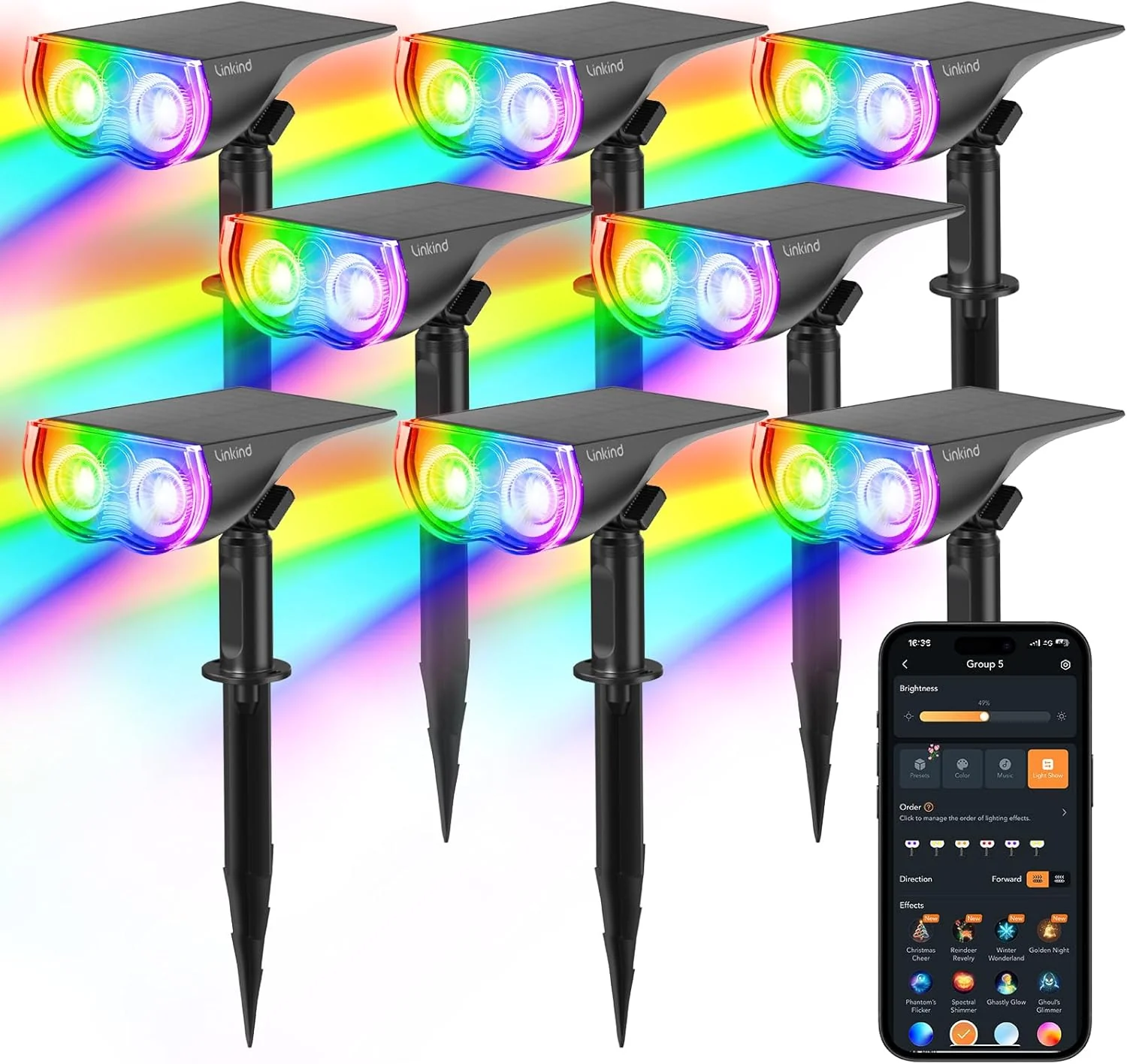
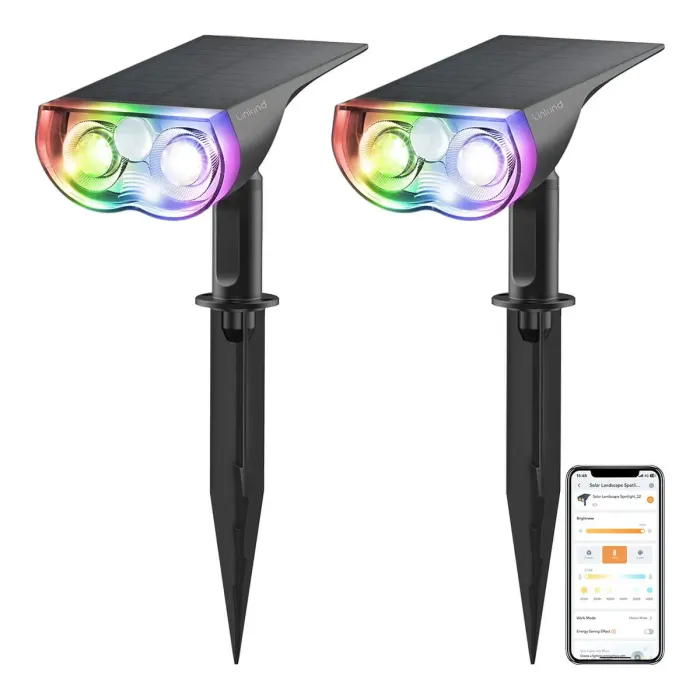
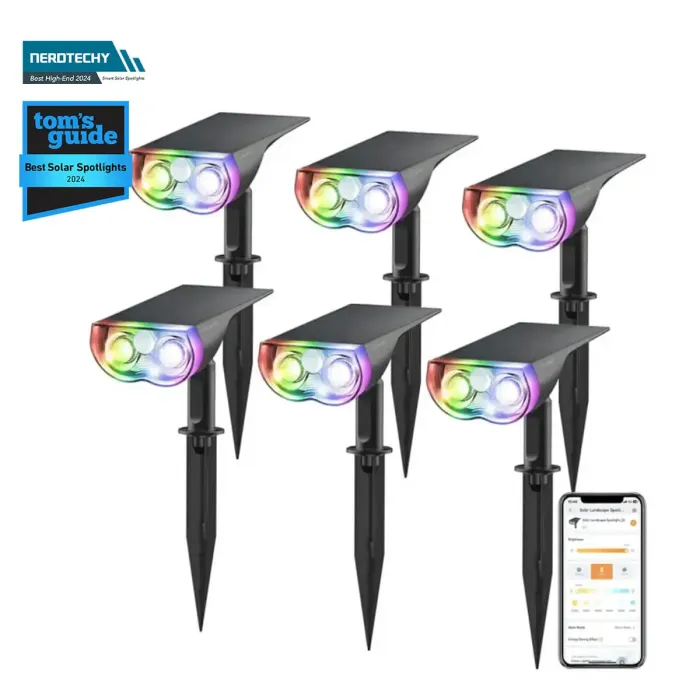
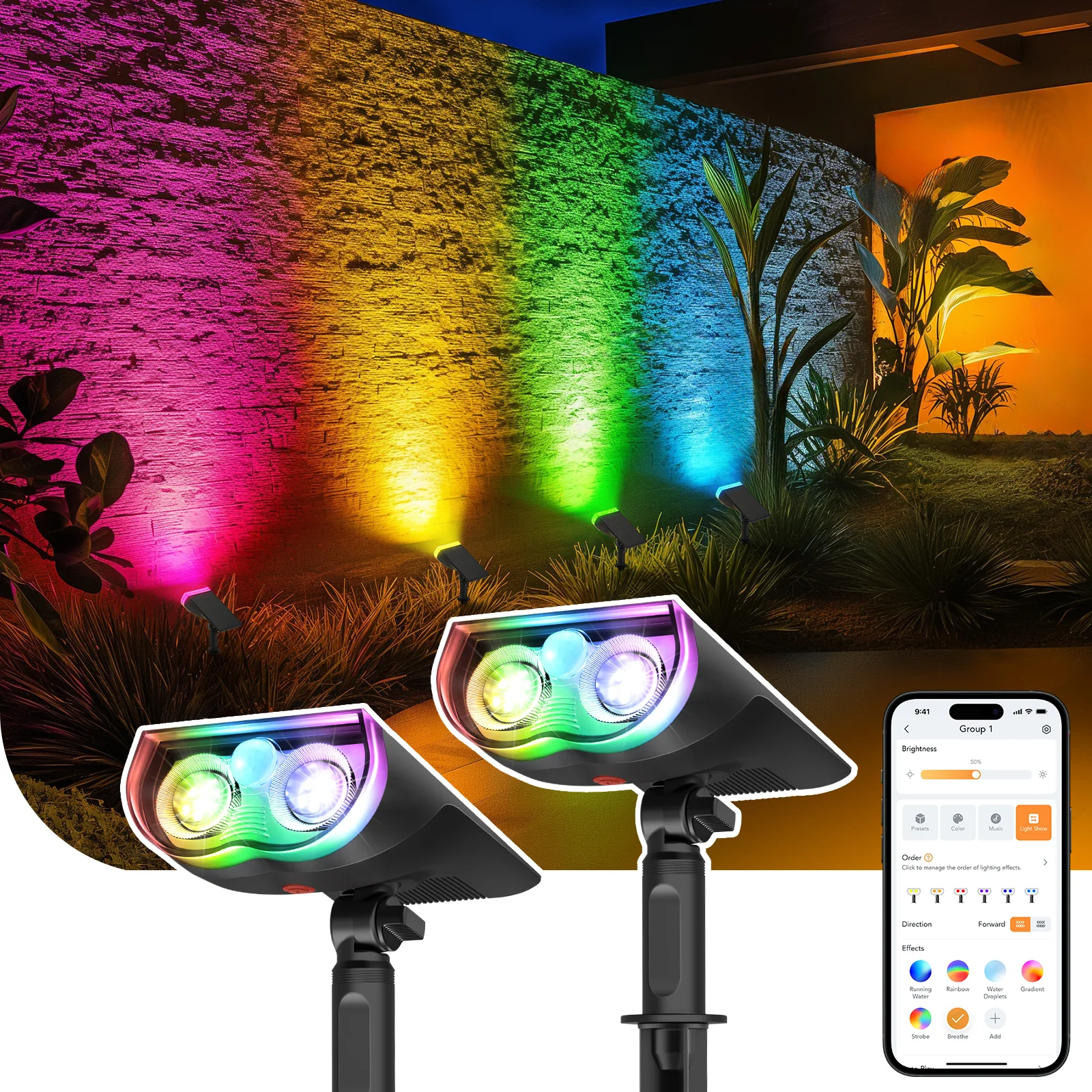
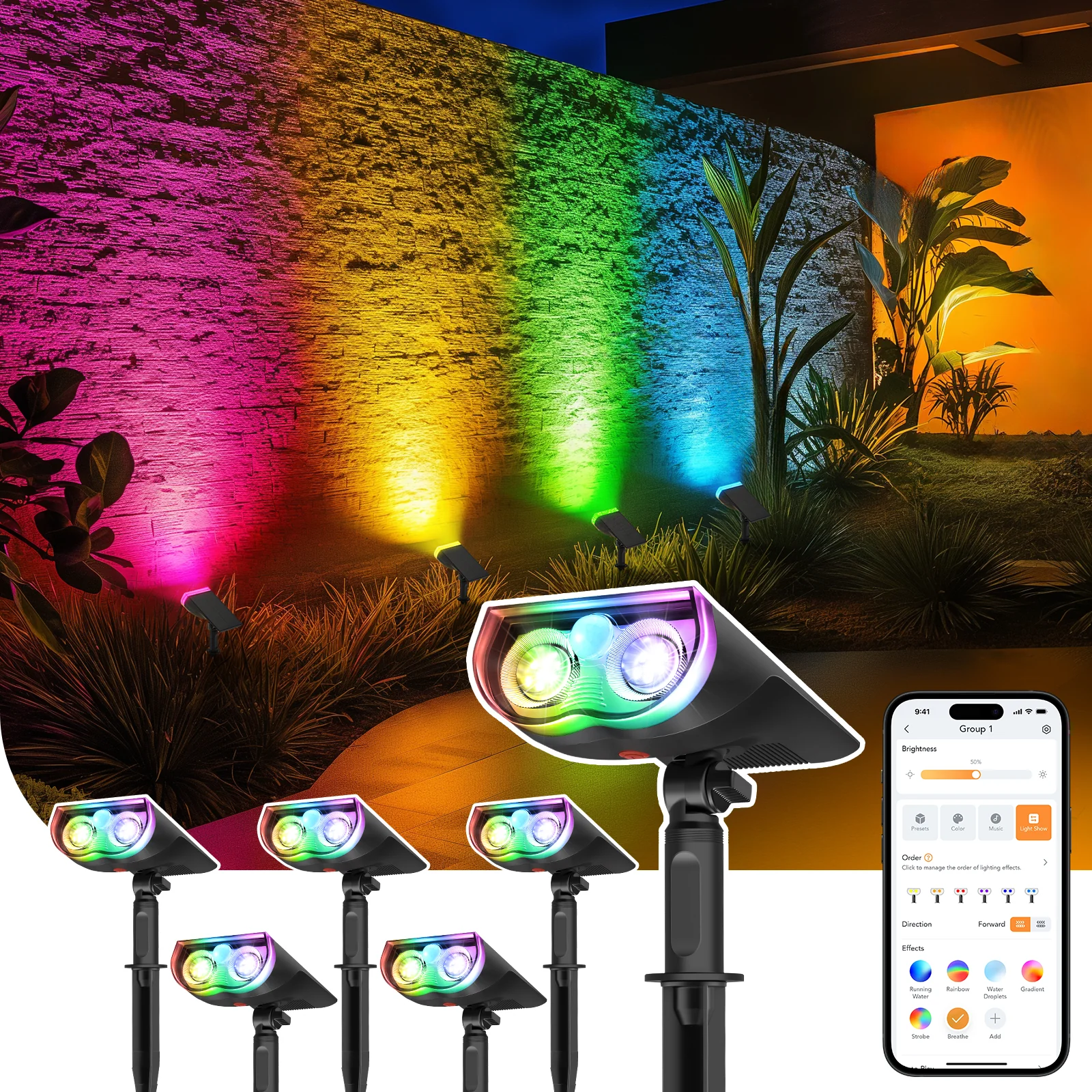
Linkind SL5C Smart Outdoor Solar Spotlight (150lm, App&Voice Control, 16 Million Color, IP67 Waterproof)
The World's First MPPT Solar Smart Light
Note: Please use the latest firmware, version 2.5.0, to extend the high-brightness duration, improve battery life, and resolve connectivity issues. The steps are: Device Settings > Firmware Version > Upgrade Now. Once upgraded, select "Start".
Light Shows
Sync with Music
Preset Scenes
Work Modes
Group Control
High-Performance of SL5C
Memory Function
How to Enable Auto-Play for Dynamic Light Show
Discover the Unique Advantages of Linkind SL5
How To Install
The World's First MPPT Solar Smart Light
Note: Please use the latest firmware, version 2.5.0, to extend the high-brightness duration, improve battery life, and resolve connectivity issues. The steps are: Device Settings > Firmware Version > Upgrade Now. Once upgraded, select "Start".
Light Shows
Sync with Music
Preset Scenes
Work Modes
Group Control
High-Performance of SL5C
Memory Function
How to Enable Auto-Play for Dynamic Light Show
Discover the Unique Advantages of Linkind SL5
How To Install
Product Information
Product Information
Shipping & Returns
Shipping & Returns
Description
The World's First MPPT Solar Smart Light
Note: Please use the latest firmware, version 2.5.0, to extend the high-brightness duration, improve battery life, and resolve connectivity issues. The steps are: Device Settings > Firmware Version > Upgrade Now. Once upgraded, select "Start".
Light Shows
Sync with Music
Preset Scenes
Work Modes
Group Control
High-Performance of SL5C
Memory Function
How to Enable Auto-Play for Dynamic Light Show
Discover the Unique Advantages of Linkind SL5
How To Install
The World's First MPPT Solar Smart Light
Note: Please use the latest firmware, version 2.5.0, to extend the high-brightness duration, improve battery life, and resolve connectivity issues. The steps are: Device Settings > Firmware Version > Upgrade Now. Once upgraded, select "Start".
Light Shows
Sync with Music
Preset Scenes
Work Modes
Group Control
High-Performance of SL5C
Memory Function
How to Enable Auto-Play for Dynamic Light Show
Discover the Unique Advantages of Linkind SL5
How To Install